LocalLLM BenchMaxxing! How to Benchmark llama.cpp and power juice your localLLMs!
We go over benchmaxxing your localLLM in a custom Llama.cpp!

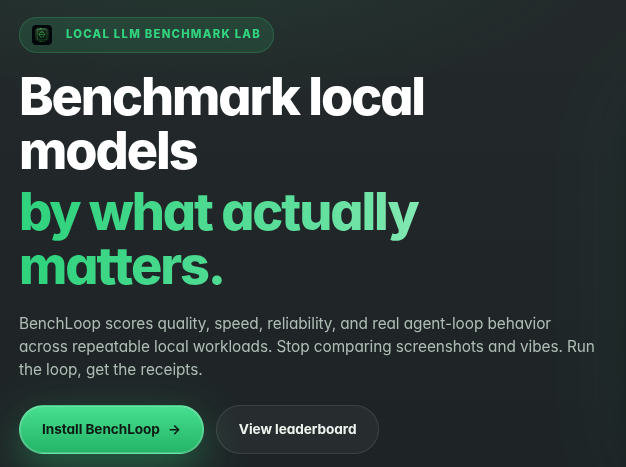


We are very excited to document Eric's project in local benchmarking! Something that can actually pose results for unique setups. In our case our houseLLM is a custom build, namely:
- We used the more rare custom-forked TurboQuant llama.cpp
- We used a Moe Qwen3.6 27B/35B under a variety of configurations.
So how do we actually install and use it, and or benchmark it? Let's get started!
sudo apt install pipx -y
pipx install bench-loop
Binding to a Headless Server
- We had to dig a little bit to find pages on headless serving but here is how to do it - instead of having to do a ssh -X and try to do a remote firefox session
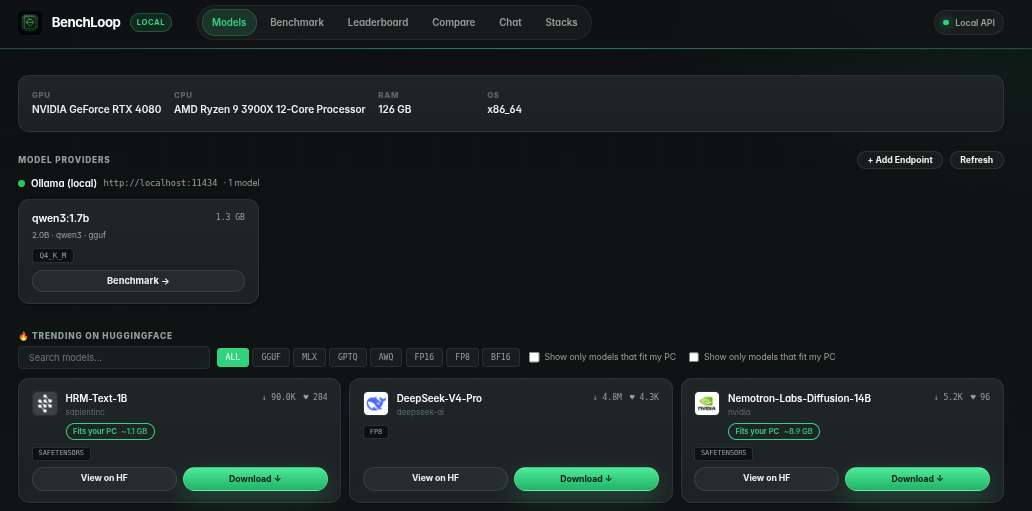
bench-loop dashboard --port 3000 --host 192.168.1.3Once it is up it offers a seamless and very nice gui:
Testing Non-Controlled llama.cpp
We like the full power of all the options of using llama.cpp - and we use a custom compiled TurboQuant fork. In our instance this running configuration is independently available at http://192.168.1.3:8080
/usr/bin/llama-server --jinja \
--webui-mcp-proxy \
-m /home/c/models/Qwen3.6-35B-A3B-Claude-4.6-Opus-Reason_Q6_K.gguf \
--host 192.168.1.3 \
--n-gpu-layers 999 \
--flash-attn on \
--spec-type ngram-mod \
--spec-ngram-size-n 24 \
--override-tensor "\.ffn_.*_exps\.weight=CPU" \
--chat-template-kwargs '{"preserve_thinking":true}' \
--cache-type-k turbo3 \
--cache-type-v turbo4 \
-c 512000 \
--temp 0.7- Note llama binds to port 8080 atypically, so:
Testing a custom llama.cpp locally:
benchloop run --endpoint http://192.168.1.3:8080/ --provider openai_compat --model Qwen3.6-35B-A3B-Claude-4.6-Opus-Reason_Q6_K.gguf- Note:
--modelis not optional, if you do not specify it it probes that end points and gives you the legal name it found - you pass that back on a second call!
Accessing it via the GUI
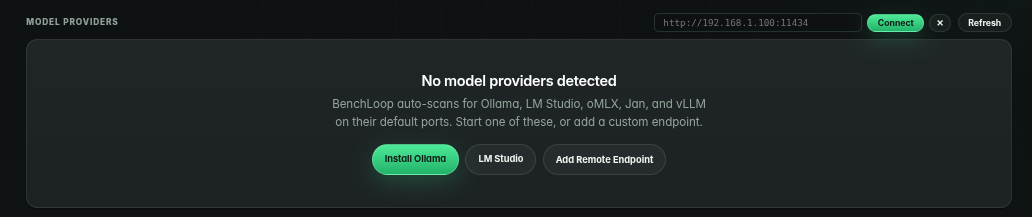
- Alternately you can click on the end-point and it will offer you the option of doing it that way:
Our results?
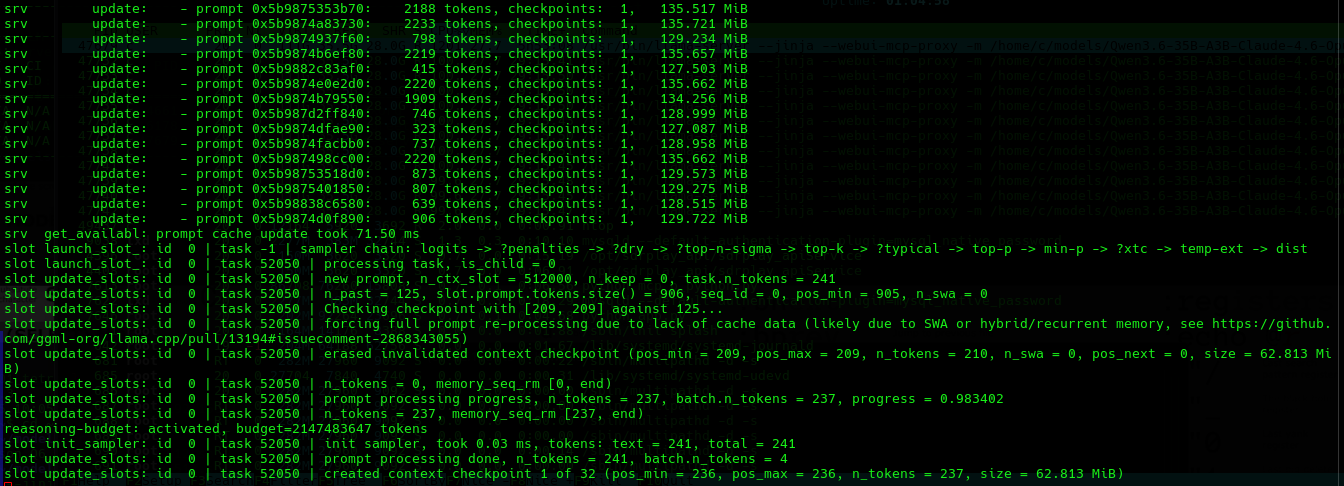
- We can watch the back-end various points chugging away as in:
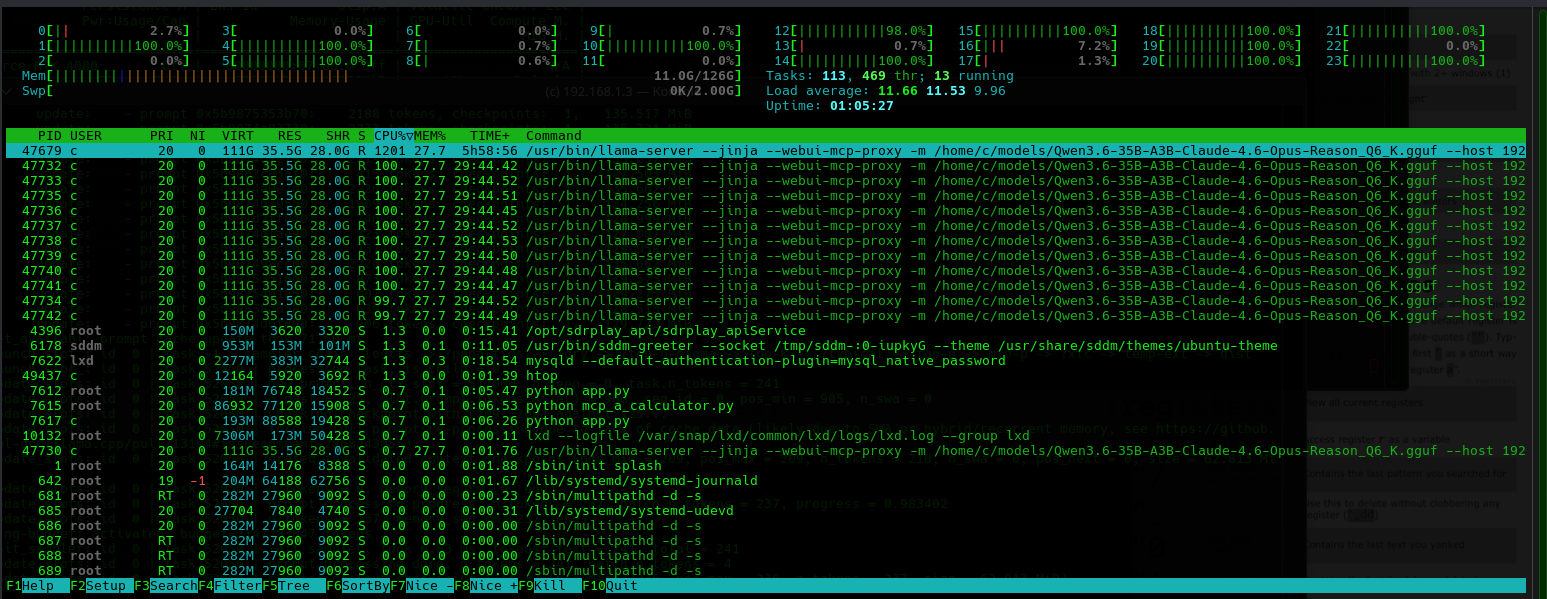
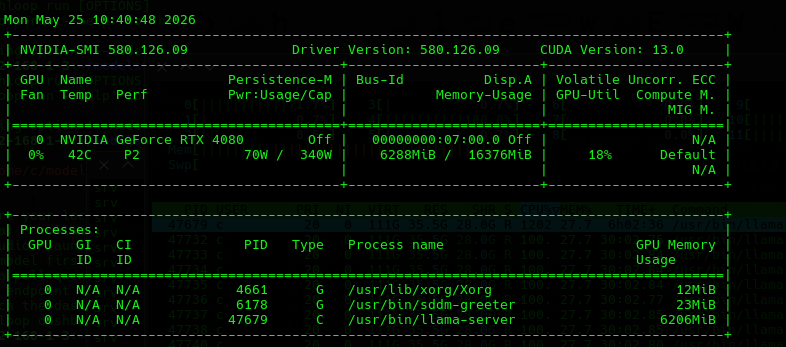
Patience
- These benchmarks can take considerable time especially if you have a overthinking LLM like Qwen3.6 which we have used as a stable day-to-day inference workhorse until something significant replaces it.
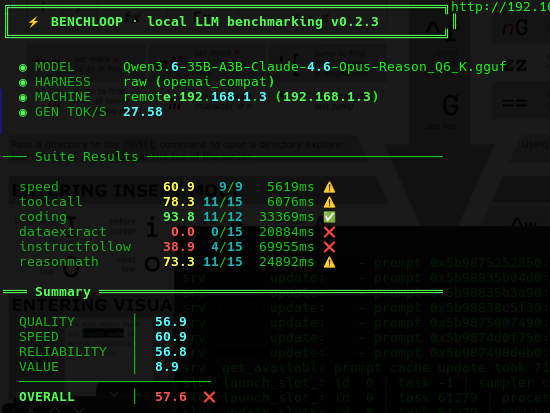
Here is the result screen, I guess our LLM doesn't listen? But it codes like a beast! That's probably why we picked it.
Interesting Factors (LLM's with Power Ups - is this Gameable?!)
- Our LLM has access to internal Agentic MCP tools, so if it was asked to compile or write python - it would of actually went off and compiled and recompiled the code, so how do you actually benchmark that when it has external tooling capabilities?! This possibly opens up an entire new world of 'juice modded' LLM's that will soon follow.
So let's find out - we have custom MCP end-points namely for javascript and python, we enabled them, so that if the LLM makes any errors it is free to correct it's work. Will it make a home run on the coding benchmarks?
Our llama.cpp setup:
/usr/bin/llama-server --jinja \
-m /home/c/models/Qwen3.6-35B-A3B-UD-Q6_K_XL.gguf \
--host 192.168.1.3 \
--n-gpu-layers 999 \
--flash-attn on \
--override-tensor "\.ffn_.*_exps\.weight=CPU" \
--chat-template-kwargs '{"preserve_thinking":true}' \
--cache-type-k turbo2 \
--cache-type-v turbo3 \
-c 262144 \
--temp 0.7
Plus two powerful mcp support units namely:
 thinkmeltprotonmail.com
 thinkmeltprotonmail.com
Our running configuration:
- Note theoretically one could have the bench marking software on an independent node, and also your docker MCP endpoints, so it poses some real options.
benchloop run --endpoint http://192.168.1.3:8080/ --provider openai_compat --model Qwen3.6-35B-A3B-UD-Q6_K_XL.gguf
To be updated we waiting on results.. This is the stuff that makes the ten minute wait so worth it:
Conclusions
- This is going to become a very rapidly expanding field, we were genuinely humbled by what others were squeezing out of MTP (so much so that we definitely considered migration towards the multi-token prediction.
- So many people are jumping into localLLM's it can literally update by the hour!
Save your Context and Come Back
This process manager is very powerful in that your LLM can now save it's work and spread it across many contexts.
thinkmeltprotonmail.com
Get your LLM coding all Night! LLMQP
This LLM will enable you to queue multiple prompts which will execute one after another.
thinkmeltprotonmail.com