Qwopus3.8 -27B Flash Review, Image Recognition From a HouseLLM!
We take an honest look at Jack Rong amazing work of retuning models.


Jack Rongs re-tuned models are showing again and again absolutely incredible progression in the LLM retune space. In this case Qwen 3.8 debuted with very high benchmarks, then Jack took them farther! Not only is this a SOTA (State of the Art) houseLLM that can run on minimal equipment - it's free, with image recognition! Powerful! For you interest here are some basic performance benchmarks, but please note - this is a slow and very intelligent 27B sized model:
- TerminalBench 2.1: 73.0
- SWE-bench Pro: 61.7
- QwenSWEBench: 79.0
- IFBench: 79.5
- GPQA Diamond: 89.2
- HLE: 30.8
What is a Re-tuned Model?
It is simply this:
A retuned LLM is a pretrained language model that has been further adjusted so its behavior changes for a particular purpose—such as better coding, scientific reasoning, instruction-following, or a specific writing style. This is typically done through additional fine-tuning, preference training, or modifying how the model is prompted and configured, while retaining most of the knowledge learned during its original training.
Downloading and Setting up a Image Capable LLM.
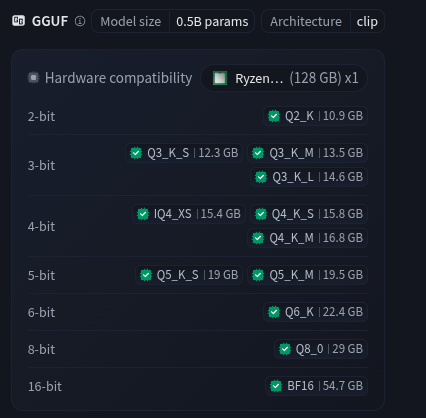
- Get the main model: On the right side of the page you will see your model selection. Typically - and this is subject to future change - atypically a minimum of 4-bit quant is desired. However progress is accelerating quickly into reliable and useful 2-bit quants. Quants are basically recompression of the model weights to fit on smaller equipment.
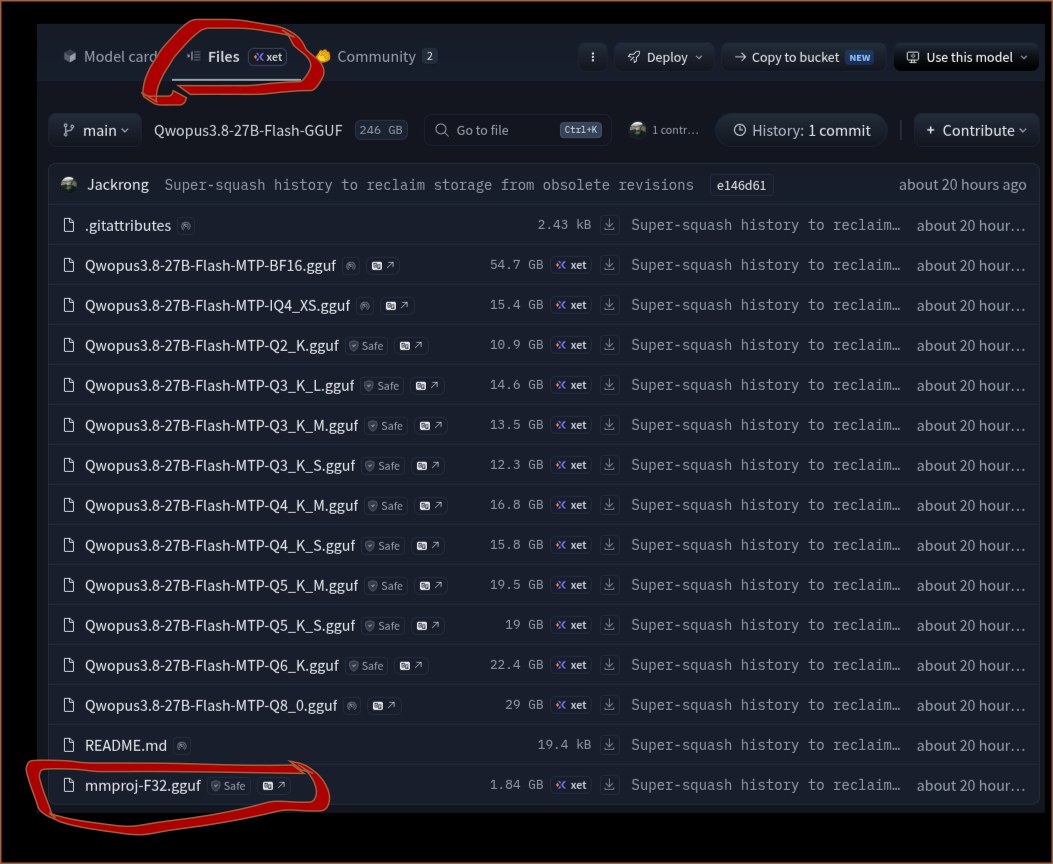
2. You will need the mmproj-F32.gguf. The right side menu may throw you off it's at the top under the file - as in:
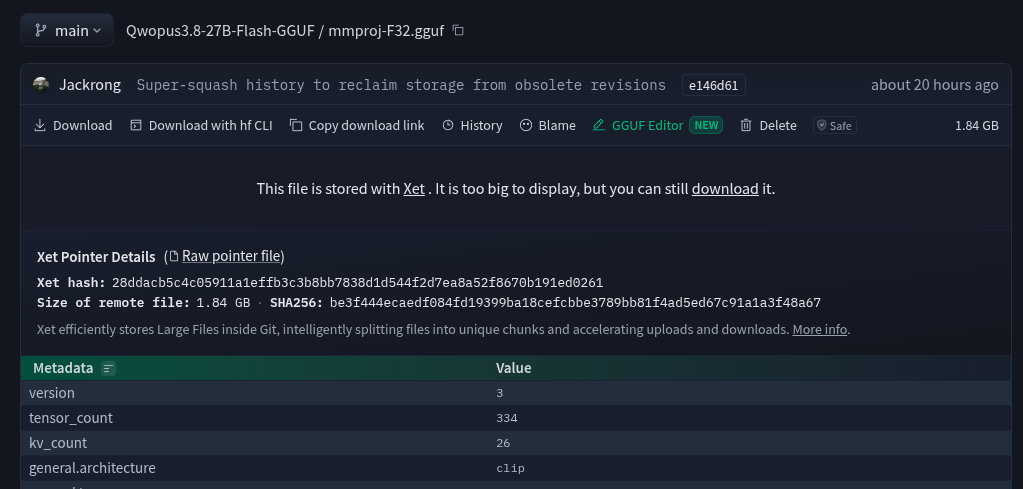
Clicking on that file will take you to another menu - where you will finally get to download it:
3. Get a Running llm-server. So you can try a quick download and build as in:
git clone https://github.com/ggml-org/llama.cpp && cd llama.cpp && cmake -B build && cmake --build build --config Release -t llama-server -j
When it is done it just put it in a local directory so you will need to copy its contents to /usr/bin
./build/bin/llama-serverIf you want a very detailed guide of making a very powerful llm-server build with TurboQuant KV-Caching, consider a this good walk-through. Even though it's a 'StudentLLM' - it is a full power-build that will run any model.
 thinkmeltprotonmail.com
In our case our minimal run script required a fair bit of tweaking, and this is how we were able to get it to work.
- We were forced to make sure the
mmprojfile was not offloaded to GPU as this was breaking stuff, so our valid run configuration became:
/usr/bin/llama-server --jinja \
-m /home/c/models/Qwopus3.8-27B-Flash.i1-Q6_K.gguf \
--mmproj /home/c/models/mmproj-F32.gguf \
-ngl auto \
--no-mmproj-offload \
--host 192.168.1.3 \
--port 8080
One will notice we absolute pathed everything - it just works better out the gate. Instead of llama-server use /usr/bin/llama-server.
Managing Expectations
This stuff is awesome, but it's not going to be instant or replace your professional subscription for Claude, or ChatGPT - nor should it with their budgets that rival small nations. The key is it's your LLM, and YOU now know how to build it. People in attorney-client privilege scenarios, doctors offices, privacy advocates simply cannot afford their data harvested. Additionally not everybody wants to commit the $40 - $400/month to serious commerical grade LLMs. Additionally the investment can be somewhat modest as this runs on about $2000 in hardware. That is where this site specializes in - small budgets, maximum performance on mini-bucks. You the small-guy are the winner!
Once it finally loads - your console back-end should look something like this:
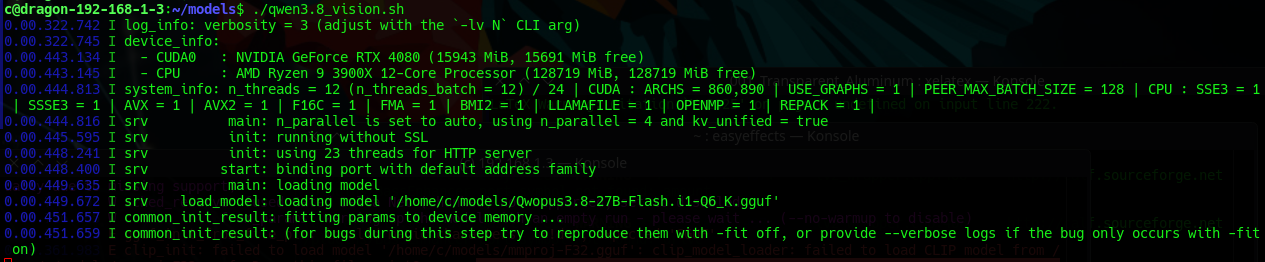
First Run
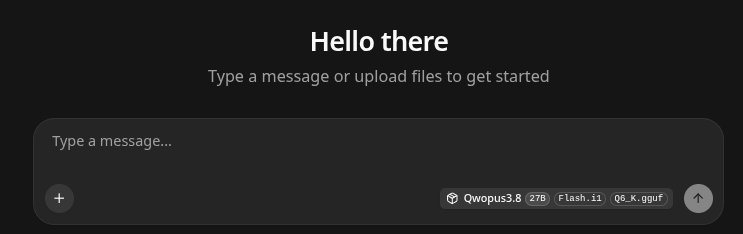
We are not going to go too deeply into a standard LLM review as we have covered that a dozen times before, but will focus on the image-to-text aspects.
- This LLM is slow on our 4080 it came in at 4.8 T/s - ouch. Atypically it's been our experience that anything below 15 T/s is more of a testing LLM - and something people do not have the patience to wait on.
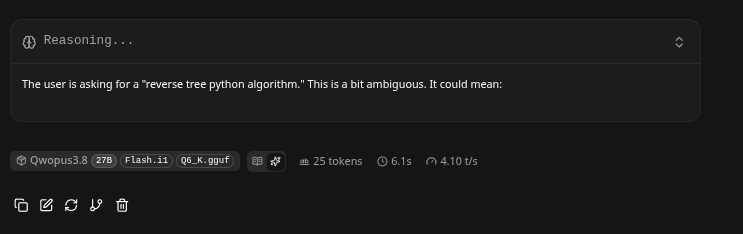
Image Recognition was Powerful and Fast!
- This LLM generates slow - but we literally screen shot a log fired the image back at it, and it nailed it immediately, wow!
- It must be understood that Image handling LLM's will use the mmproj layers to convert the image into vector space of tokens, that is then effectively passed to a second LLM - the main one to discuss what is asked about the picture.
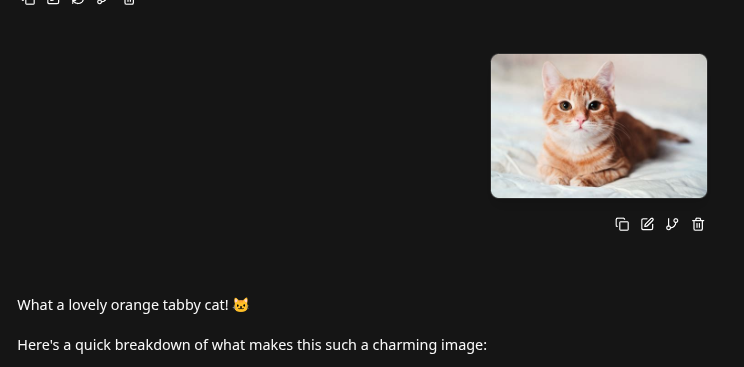
It took it only a few seconds to cleanly identify a cat
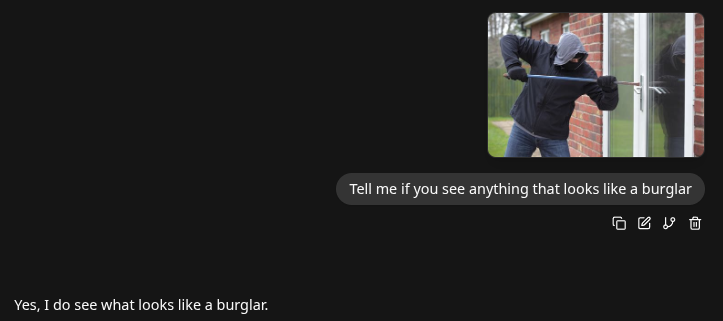
Can It Watch For Burglars - Absolutely!
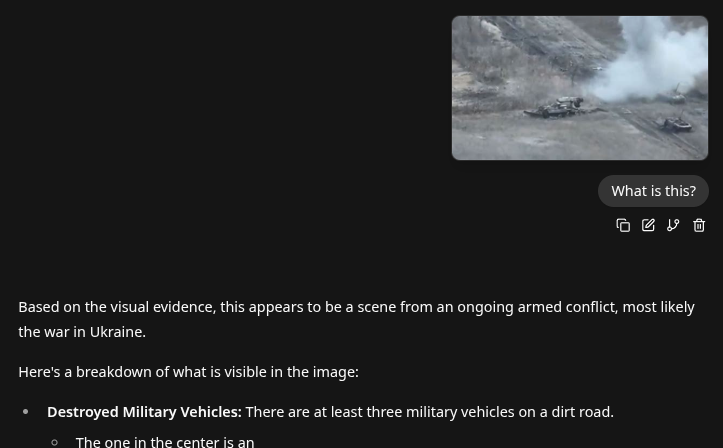
It is pretty smart, really.
Conclusion
This LLM could have many, many functions. The sky is the limit. Monitor your 3D printer to make sure that your print is good, monitoring a process to make sure that it is operating safely. Could it be safety certified we think not - but it definitely can be a ongoing security scanner, and the cost is free - that's powerful and you are the benefactor.