ZebraPipe: A New LocalLLM BULK Orchestrator
ZebraPipe debuts as another powerful LLM Orchestrator!


ZebraPipe is designed for BULK localLLM batch inferencing. It is open source! Build or modify this with your LLM however you want! We used ChatGPT 5.6-sol all day to build this powerful utility appliance. It contains a complete compiled llama-server interally from The Tom's Fork! This is bigly, it offers you lots of compression options like turboquant 2,3,4 which can greatly reduce your kv-cache sizes on larger contexts on small GPU's.
Supported Cuda Architectures
- All of them:
50, 60, 61, 70, 75, 80, 86, 89, 90, 100, 101, 103, 120a, 121a(Basically everything from a 1080 to a H200, we even included Blackwell!) - Port
8080- Main llama-server inference window - Port
8081- Engine manager and settings - Port
8082- Batch queue handler!
Docker Pull and Run!
- Literally pull and run this with a single command!
docker pull cnmcdee/zebrapipe:latest
docker run -d \
  --name zebrapipe \
  --gpus all \
  --restart unless-stopped \
  -p 8080:8080 \
  -p 8081:8081 \
  -p 8082:8082 \
  -e MODEL_PATHS=/models \
  -v /opt/llm/models:/models:ro \
  -v /opt/llm/config:/config \
  -v /opt/llm/results:/results \
  cnmcdee/zebrapipe:latest
192.168.1.<your ip>:8080 # A standard llama-server
192.168.1.<your ip>:8081 # A LLM Settings and Reload Manager
192.168.1.<your ip>:8082 # A prompt Queue ManagerCopy all Your Models
- Setup is crazy easy - simply copy all your
ggufmodel files to the created directory:/opt/llm/models/Easy! - Goto
192.168.1.<your ip>:8081hitRESCAN MODELS
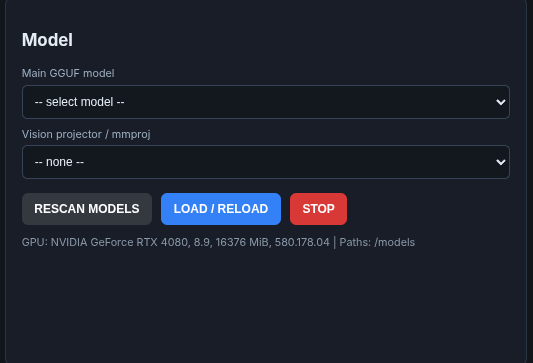
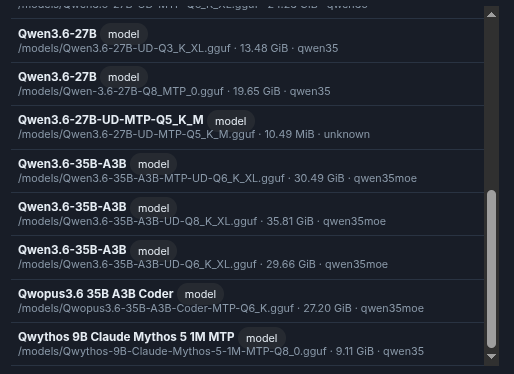
- Wait about 10 seconds - it takes a bit because it is interrogating the models, they will show up in the
Discovered models - Pick a model and load it
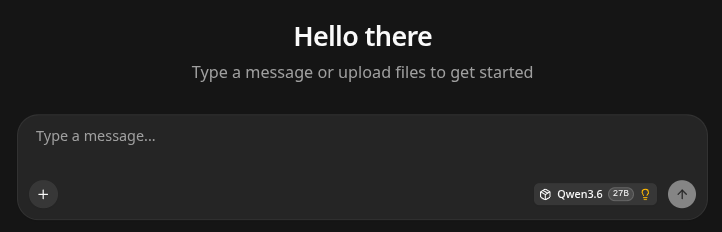
Port 8080 (llama-server Window)
- Will have your standard llama-server window - for non-batching usage.
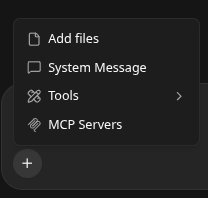
Please note - MCP Tools is now down by your plus button so, it is there!
Port 8081 (LLM Engine Manager)
Port 8081Is your Engine Manager, it will scan the mounted directory for all your models:
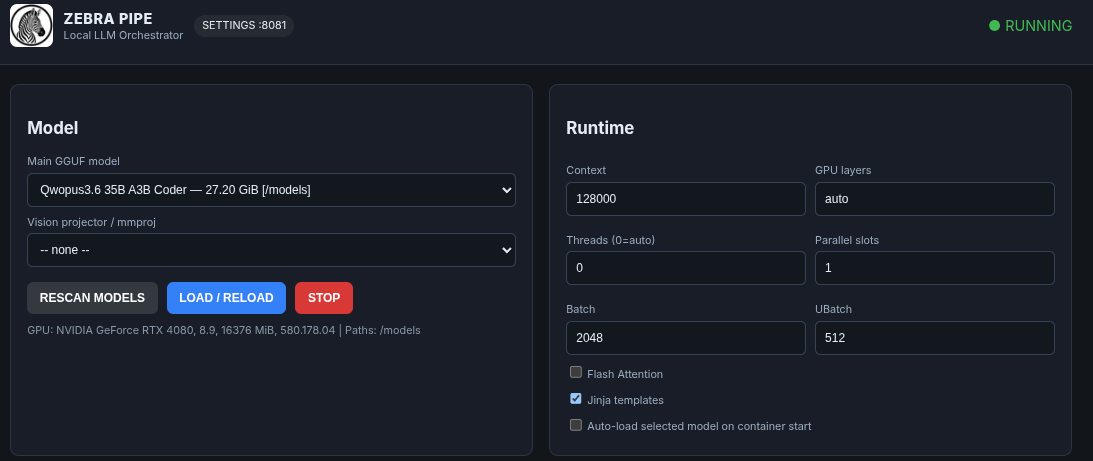
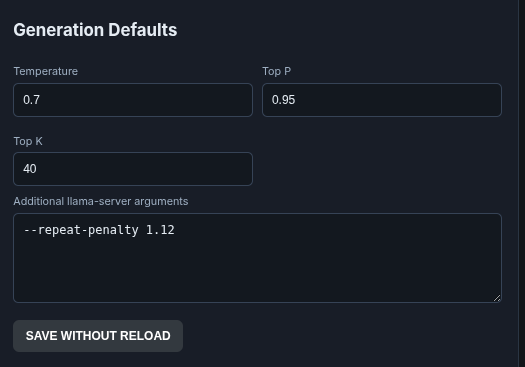
Of importance you can add all your custom options:
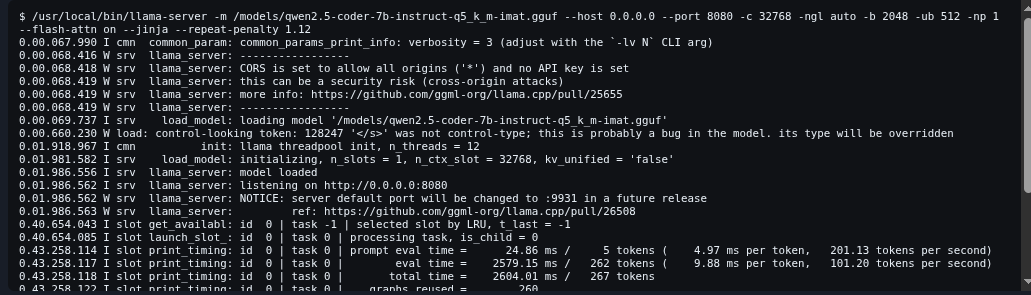
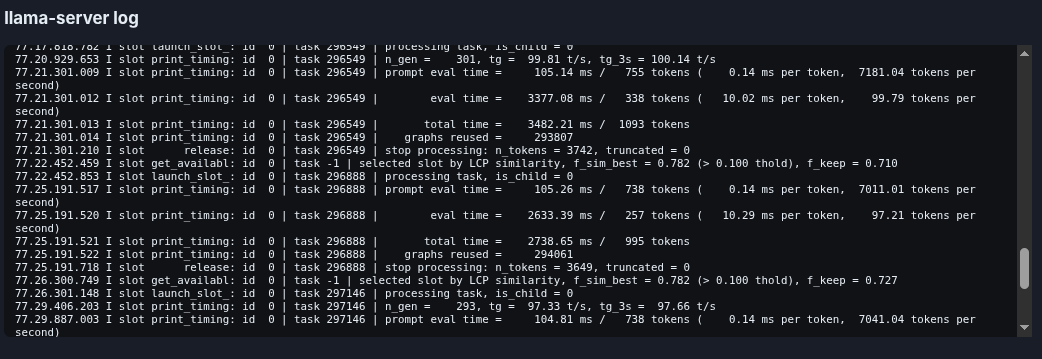
While monitoring the llama-server outputs at the bottom:
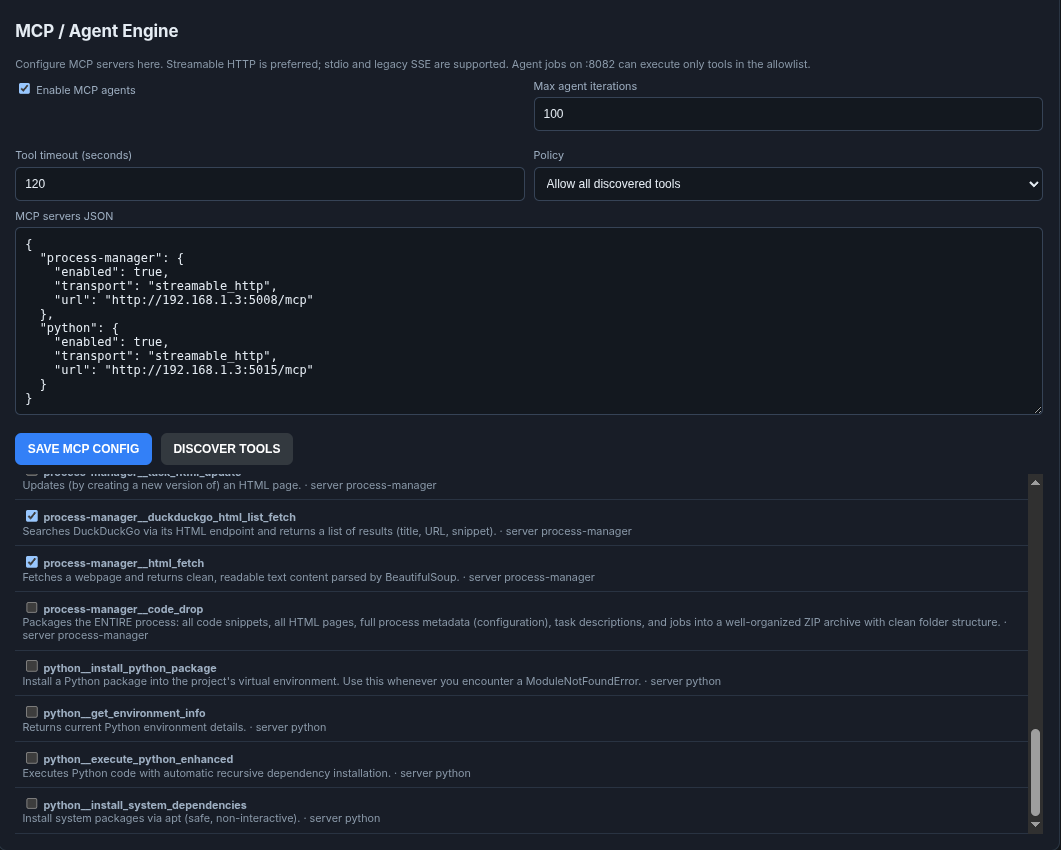
MCP Tool Support (This is FOR YOUR QUEUE MANAGER PORT 8082)
- A new MCP Tool Support has just been added. Please note you must use this type of
json structurefor listing your tools, we had significant issues figuring this out.
"calculator": {
    "enabled": true,
    "transport": "streamable_http",
    "url": "http://192.168.1.3:5000/mcp"
},- This is
mcp tool supportfor your queue manager on8082NOT for thellama-severon 8080, which uses the+button to manage it separately. - We have compiled all of
hotconfig.commcp tools into a cut and paste list.
 thinkmeltprotonmail.com
{
  "calculator": {
    "enabled": true,
    "transport": "streamable_http",
    "url": "http://192.168.1.3:5000/mcp"
  },
  "python": {
    "enabled": true,
    "transport": "streamable_http",
    "url": "http://192.168.1.3:5001/mcp"
  },
  "weather": {
    "enabled": true,
    "transport": "streamable_http",
    "url": "http://192.168.1.3:5002/mcp"
  },
  "javascript": {
    "enabled": true,
    "transport": "streamable_http",
    "url": "http://192.168.1.3:5003/mcp"
  },
  "mysql": {
    "enabled": true,
    "transport": "streamable_http",
    "url": "http://192.168.1.3:5005/mcp"
  },
  "super-python": {
    "enabled": true,
    "transport": "streamable_http",
    "url": "http://192.168.1.3:5006/mcp"
  },
  "process-manager": {
    "enabled": true,
    "transport": "streamable_http",
    "url": "http://192.168.1.3:5008/mcp"
  }
}
Once you have scanned your tools you have granular control over them for whatever batch processes you are running in Port 8082
Port 8082 (Job Queue Manager)
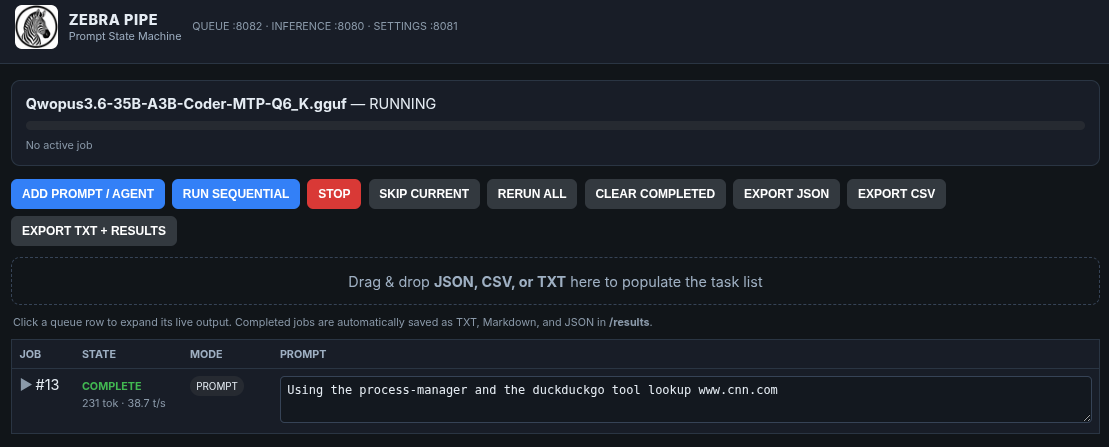
- You can enter numerous jobs and have them batched over night!
- You can also have another LLM write up a
jsonof tasks, and simply drag-n-drop them! - We are just in the process of adding
nice viewand upgrading that!
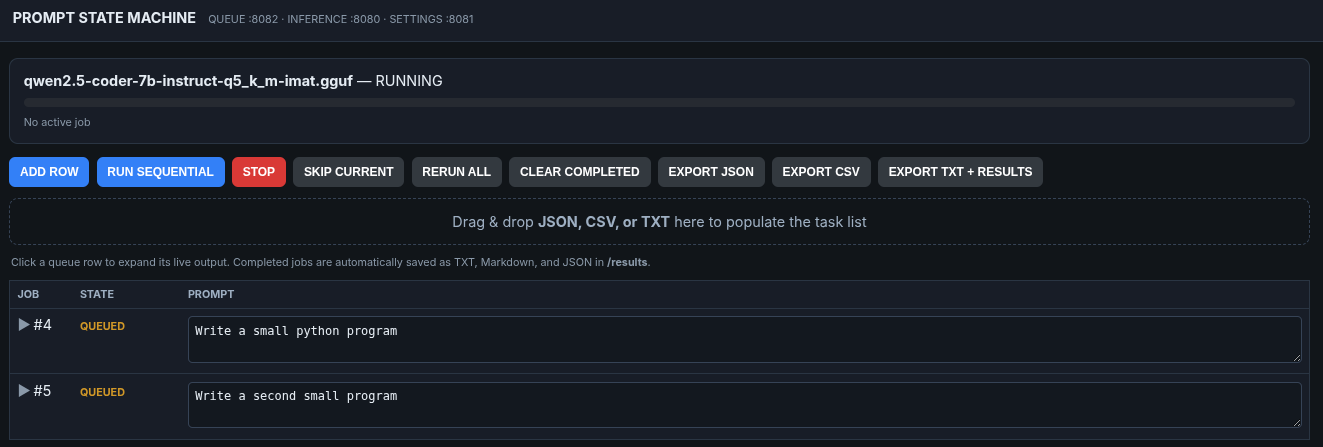
As they work you can watch the llm queue.
- We can see by not over-fitting our LLM and running a sufficient 8B it can can progress very quickly doing the lower-tier work (in massive bulk) that would bankrupt anyone's higher-tier API accounts!
Understanding Drag-n-Drop Tasking
- There are two modes,
PROMPTandAGENT.PROMPTwill not allow tool calling -AGENTwill. - You can specifiy the type of call in your list, for instance:
prompt,"Write a Python program"
agent,"Inspect the project with MCP tools and fix the build"
agent,"Search the web and summarize today's CUDA news"
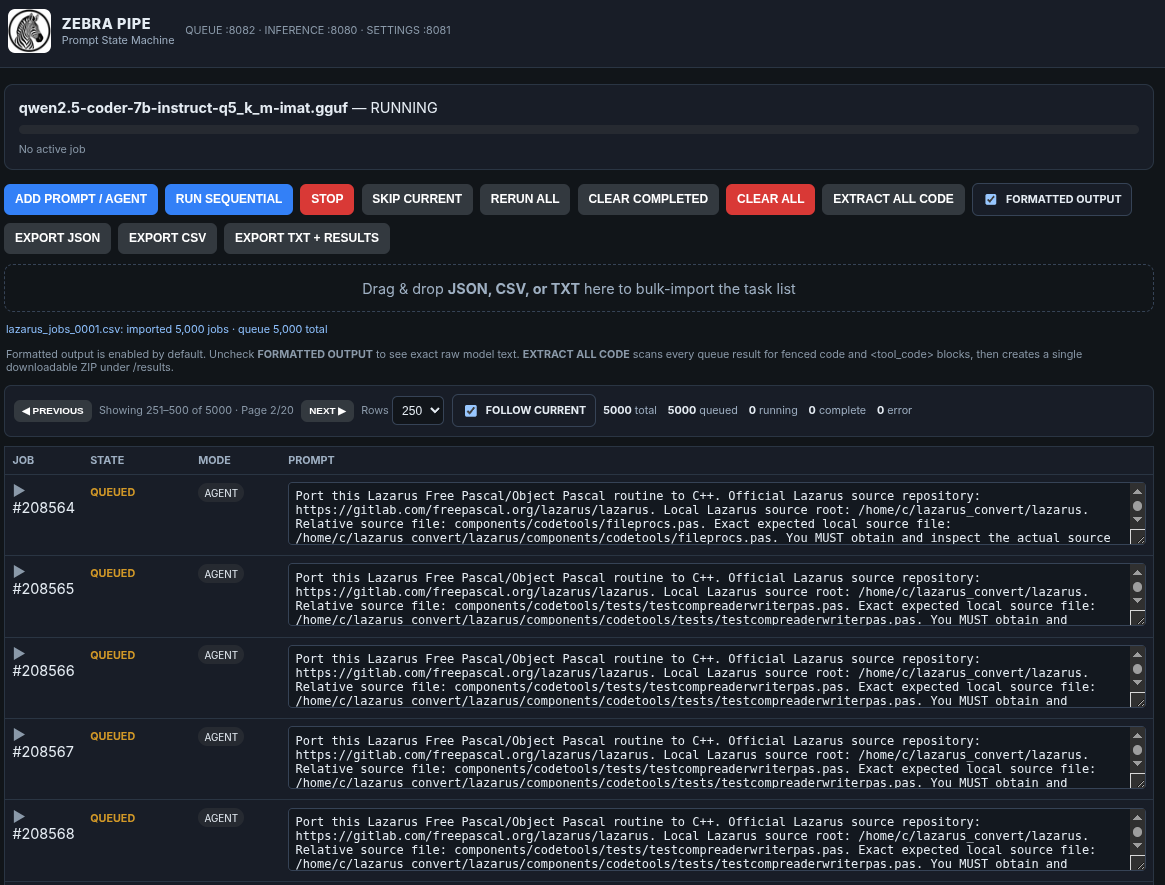
Can it BULK - YES.
- We modified it and it now queues up 1000's of prompts in seconds.
Bulk Export Results
- You can bulk export the results in one shot in the format you choose, you will get a nicely packaged
zipthat will have it nicely organized for you:
Code Extract
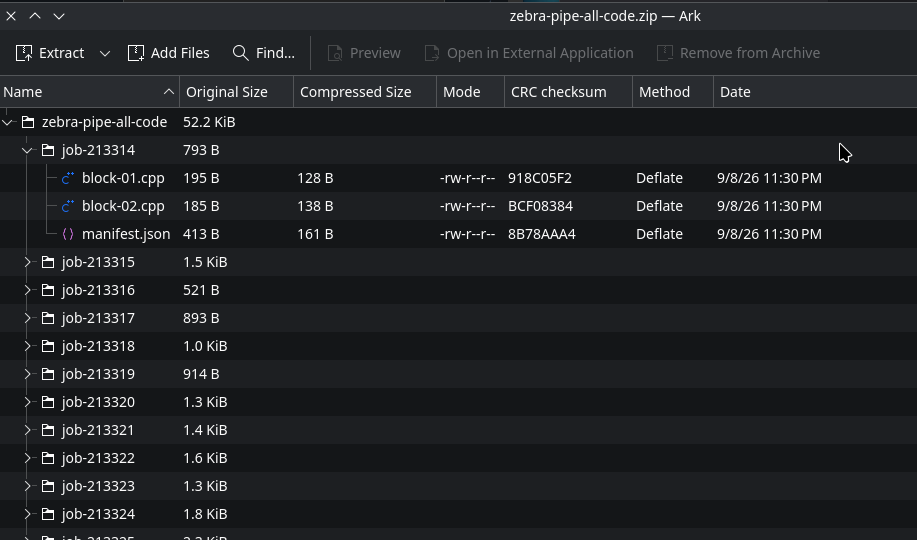
- Extract all the code from all the batched windows in one shot (being added today!)
Restarting is a Breeze
docker restart zebrapipeFull Source Code
- The full source code is right >>down<< this page.
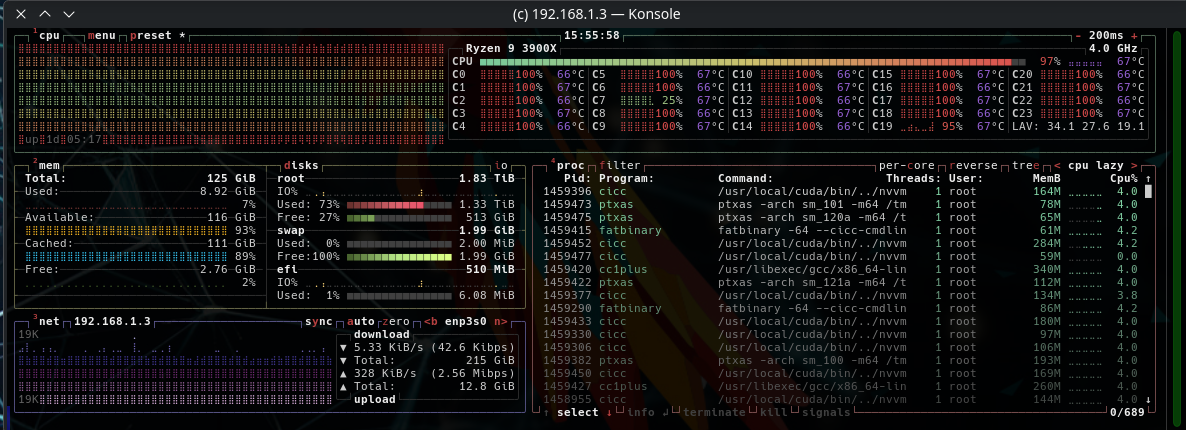
Build it in Pieces using BuildKit
- This builds using
docker moby/buildkitSo if you are modifying it you do not have to rebuild the entire system but can build it in pieces!
./build-all-stages.sh
# Or to build one stage:
./build-stage.sh <1 - 10>Conclusion
This can become a powerful supporting tool for local batch inferencing jobs that can run all night.