FreeToken. Hype or Hot!? You Decide!
We take a look at FreeToken and didn't get much success however we did try it.



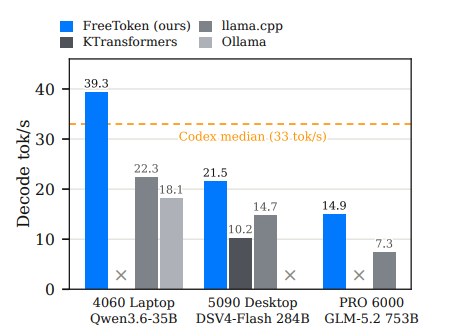
The LLM World moves fast - so fast that it is a full time job reviewing software... A new LLM manager was making it's debut, and people were making some very large claims about it. Above is the paper (with it's claims) which looked pretty dramatic - the capability ot run workhorse level LLM's on a 4060 laptop. Really!?
 Shuo Yang
FreeToken is fast. Comparing to Ollama, we have 3–4× faster decode, and 6–30× faster prefill


We pulled and installed their Ubuntu image, some issues in that it did not want to work through a ssh console, however for some unknown reason - we noticed the following.
- We built an entire RDP remote desktop, and then used it to run this software once on the desktop. Once it has run once we noticed that you could again X-11 into it. So note that. Here is our guide we built but found out after we never needed it, as we could of simply just walked up to the headless machine - hooked up a monitor and then got it working, however if you have a truly remote headless machine you sorta have to do this once.
 thinkmeltprotonmail.com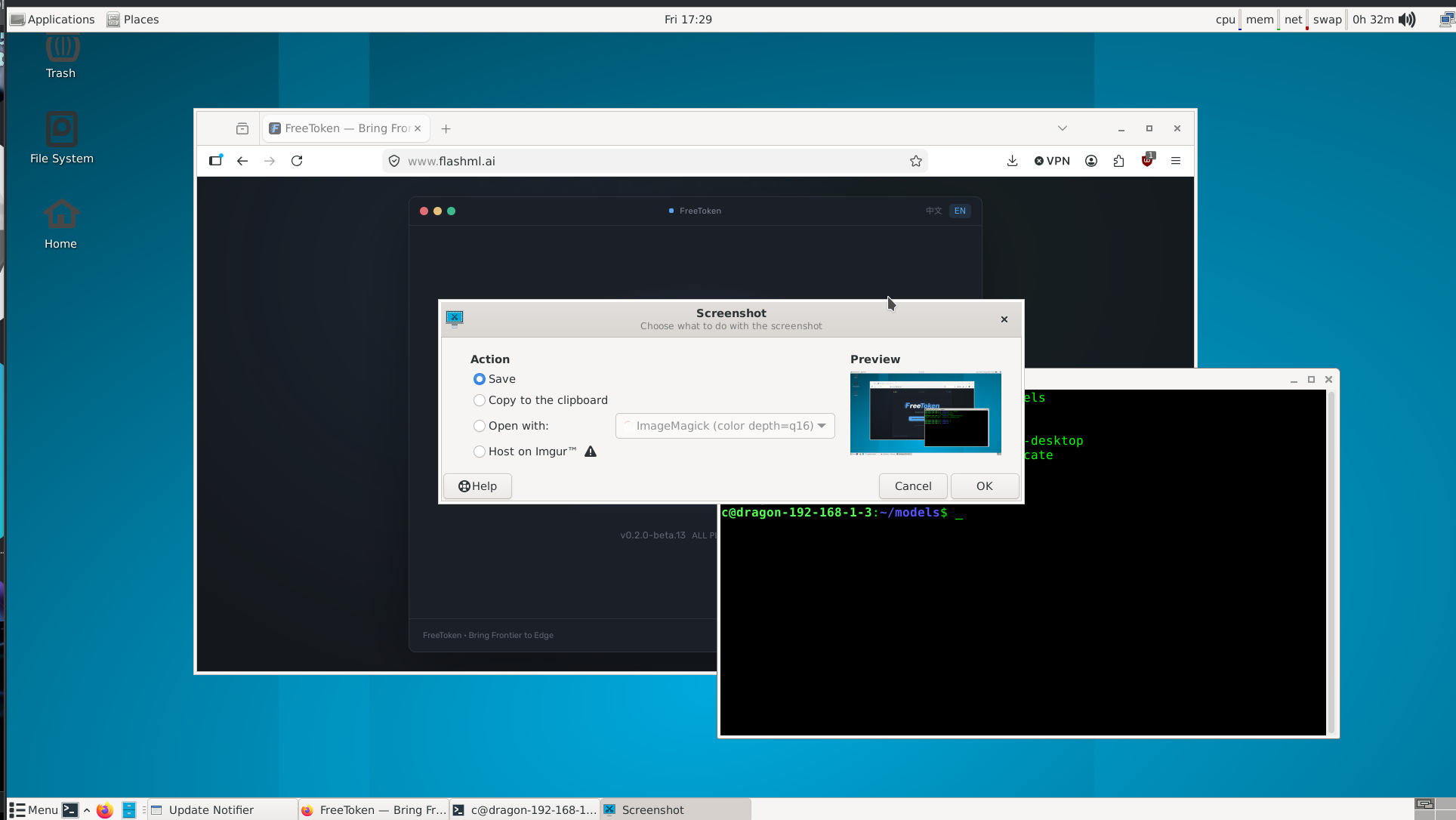
First time you run it will will present itself as:
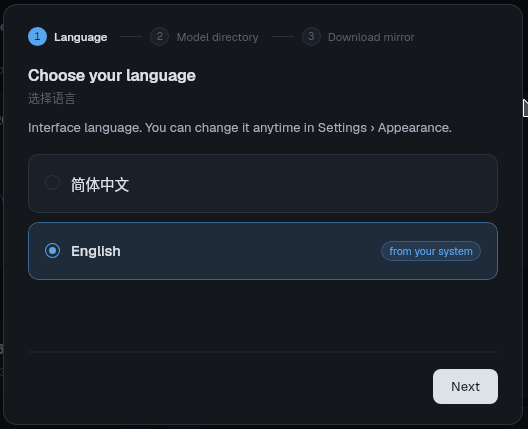
It then asks you where you want your models to store:
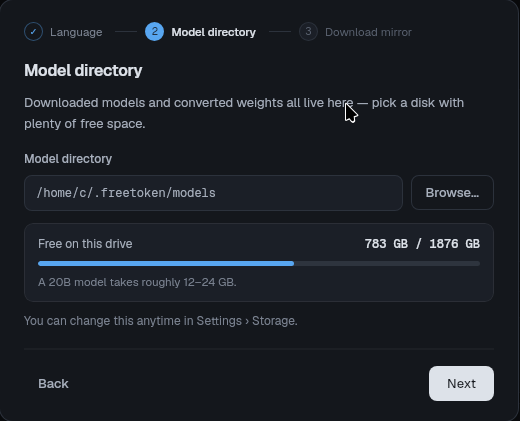
This is where it got sketchy, we stick to huggingface.com
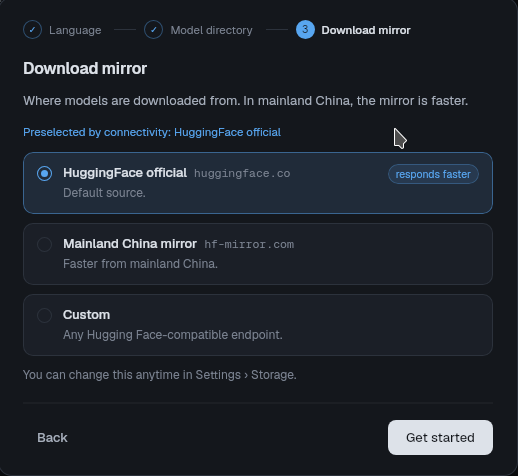
FreeToken Engine then wants to install itself:
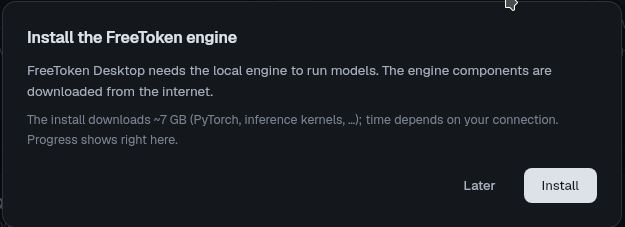
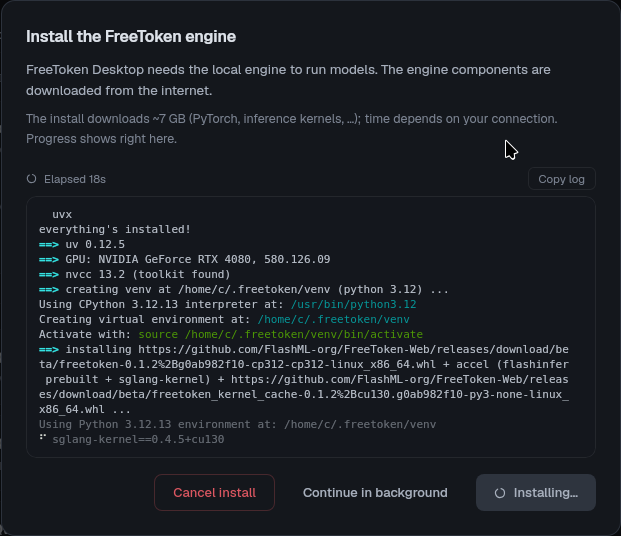
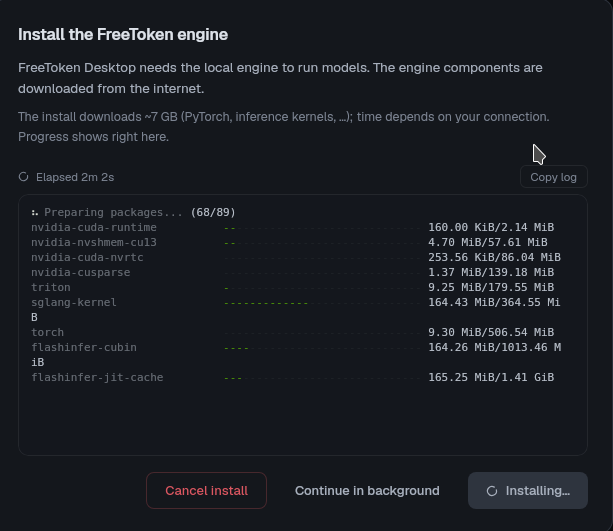
It did efficiently install a number of Nvidia libraries so:
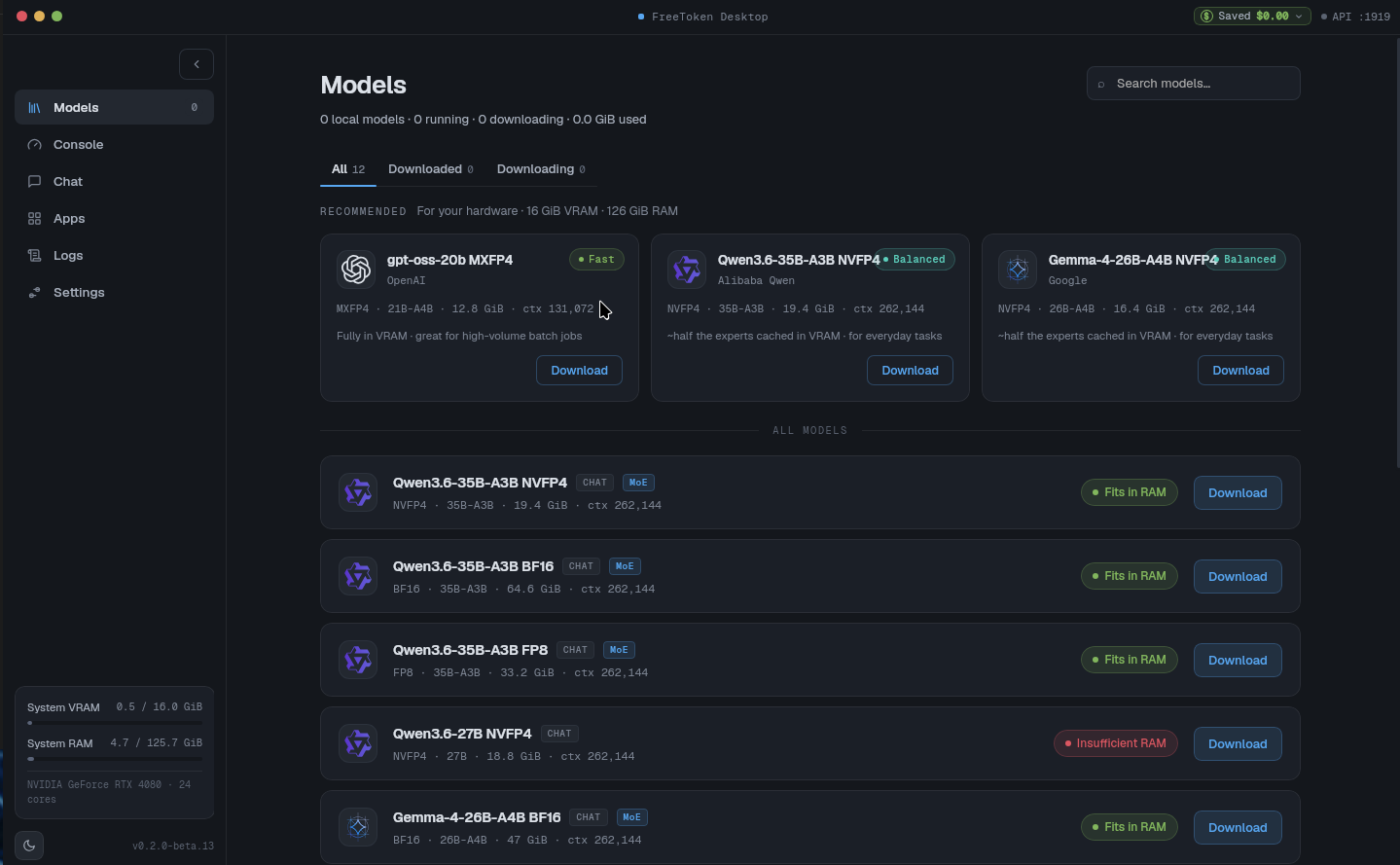
Once it is installed - it interestingly offers a management harness, that both allows you to automatically download and run various models, along with connecting them to online models if you choose.
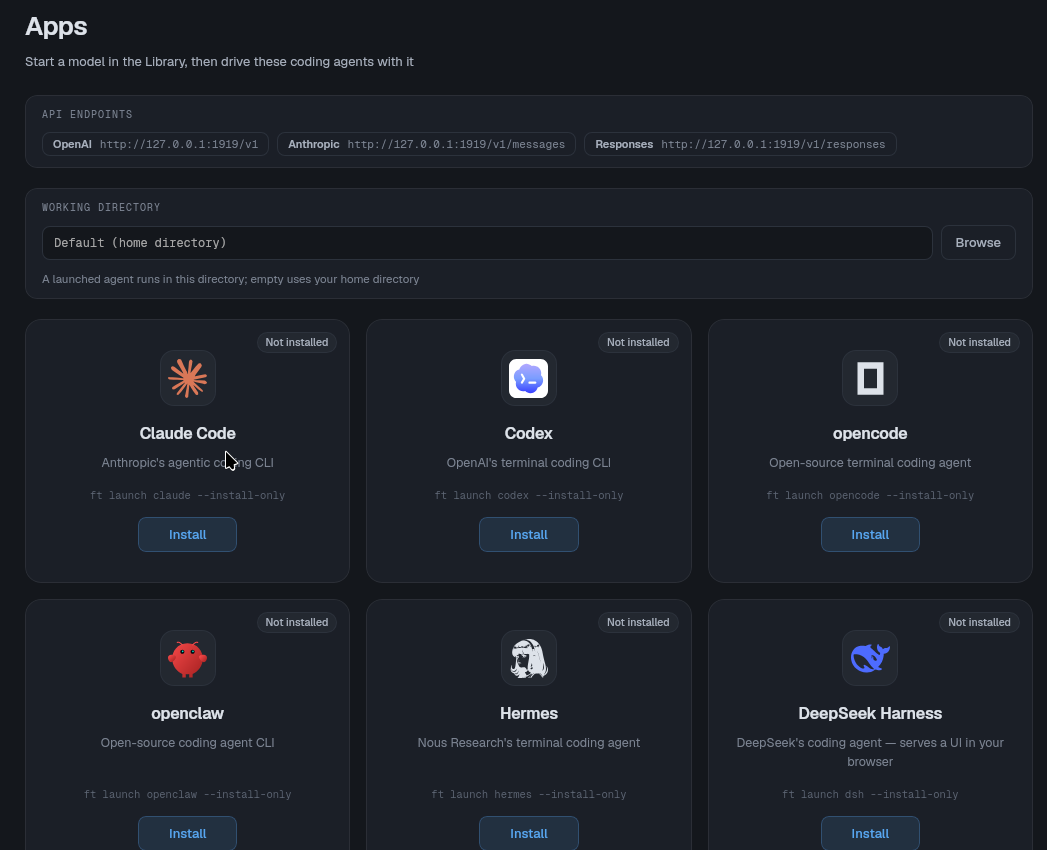
Apps
- This came with an
appssection that looks to install the the large-player connectors and harnesses.
The real 'meat' test was to see what happens when something that out-sized the VRAM significantly was pulled and run - the objective being to see if the claims this 'tuned / management' system was apropos, or hype. So we pulled something that we usually never work with an LLM outside our resource class, along with a couple other models. That was our end-game plan, but we initially did not get there (but we did in the end!)
Double Failure.
- We initially encountered two failures right off the top, and looking at the logs we could see it attempting to compile cuda-utils as in:

Third Try (Using git / uv) SUCCESS
- Next we attempted looking at the git and following it's guidance , to whit it required
ftto be installed before you can runfreetoken-desktop
 FlashML-org
We installed uv via:
curl -LsSf https://astral.sh/uv/install.sh | sh
uv venv  # Make a virtual environment for uv
uv pip install "freetoken[accel]"
After this point we had a sort of a mangle setup - you must have ft installed (and referenced) from the command-line, here is how you do it - by activating the ft .venv and then starting freetoken-desktop from a source of it. source ~/.venv/bin/active effectively means 'start and activate this virtual environment that we built with uv pip install "freetoken[accel]" and then we will call freetoken-desktop
source ~/.venv/bin/activate
ft --version  #make sure this is inside your command line
freetoken-desktop   # Through ssh -X or a RDP or direct desktop.
gpt-oss-20b MXFP4
how are you today? - 0.8 Tokens/s (medium thinking)
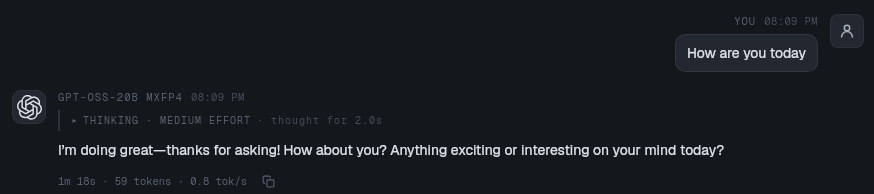
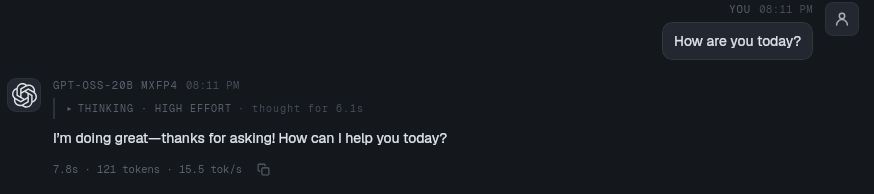
What is very different about this system is low, medium high gave all approximately the same speed, as it claims this system is re-balancing on the fly. We were getting about 13.8 - 15 Tokens/s consistently. That was not the speed-ups we were looking for.. or anything close to what they were claiming. Be we did our diligence and checked them out.
A Unique System / Conclusion
- We did not see anywhere to add a custom MCP end-point.
- We did notice something we had never seen any other system do before the ability to re-balance Moe Weights from the CPU to the GPU on the fly - this was very interesting.
- We ran their 'fast' model and as a Moe it should of been blazing but we were looking at about 15 Tokens/s. We tried moving the sliders around and reducing the context - it didn't matter.
- It was challenging to even get working as
fthad to be installed from a.venvand from inside thatvenvTHEN you could launchfreetoken-desktopbut this was not transparent with the creators presuming you would know how to make all this work. - Conclusion is it's an interesting system with some unique features, and serious work by their team was put into it, it could be suspected it will be a lot better in the future!